
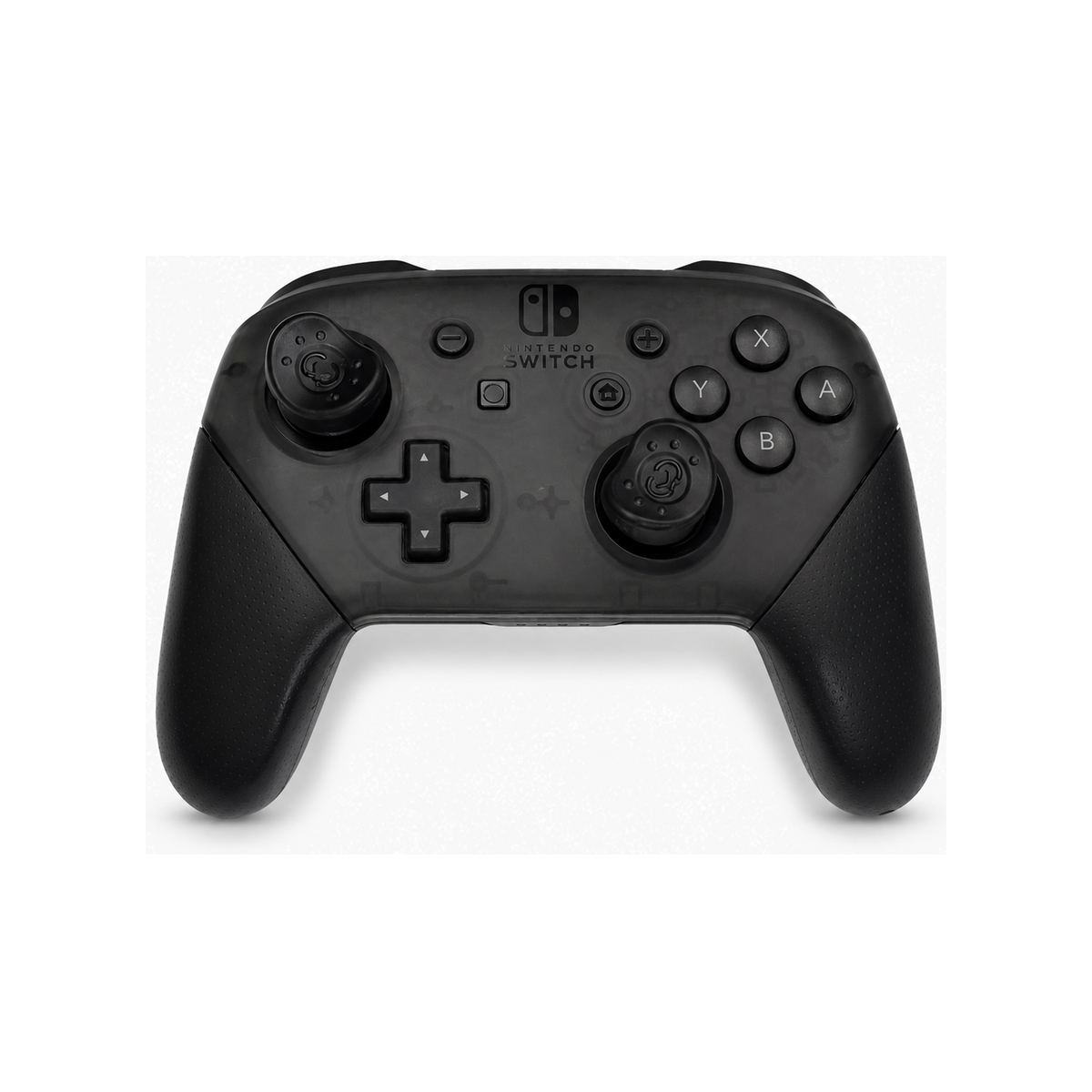
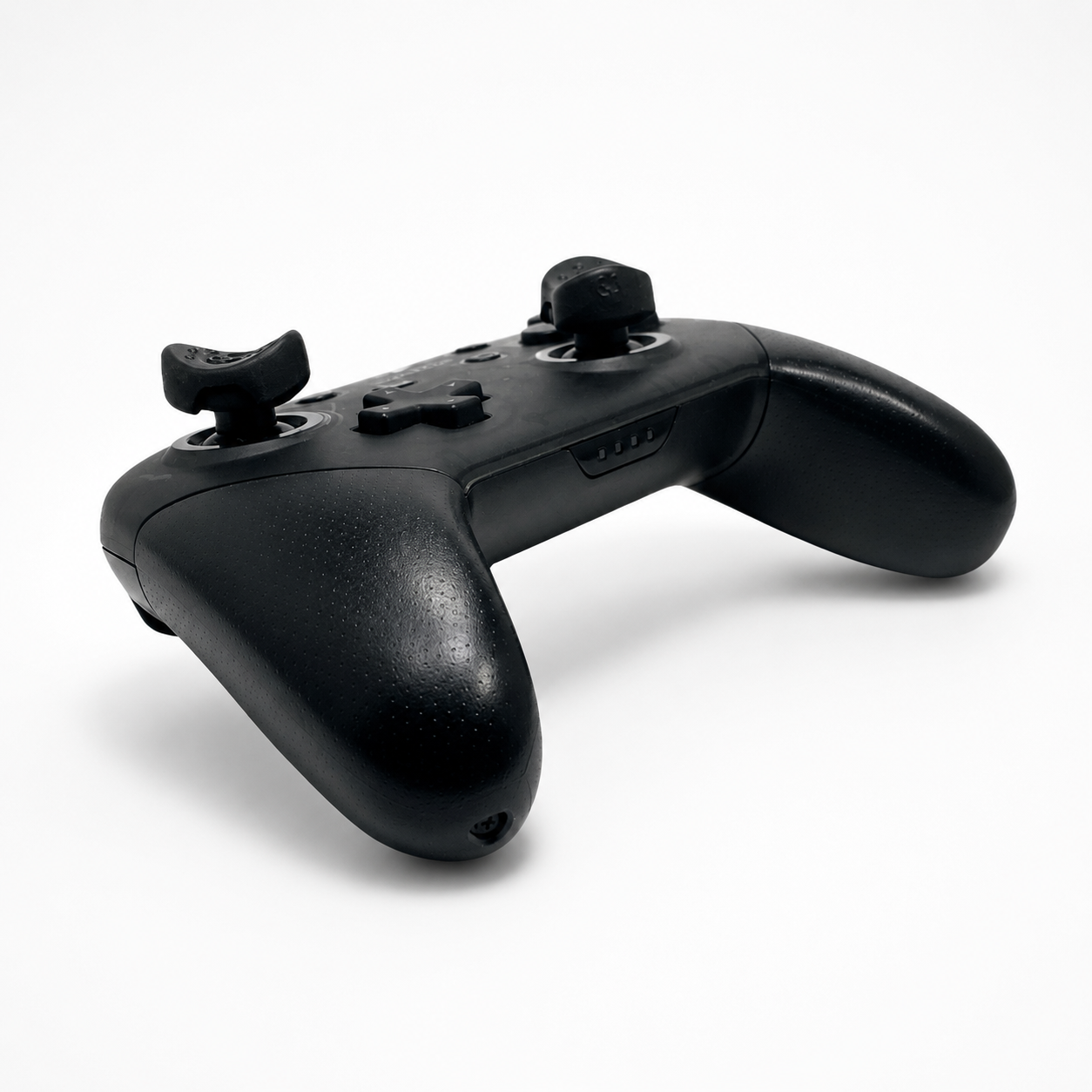
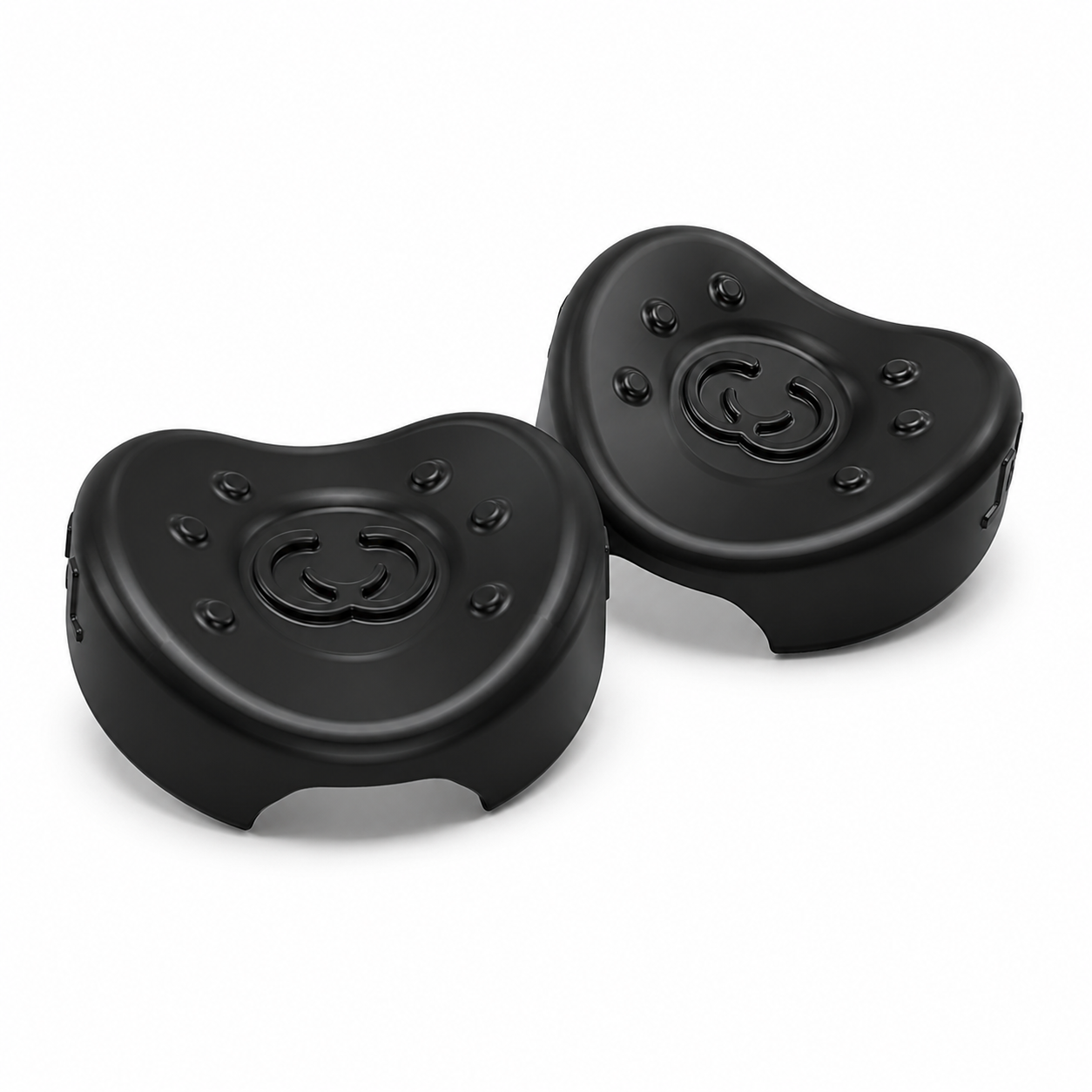
Groove Grips G1 Switch Pro & GameCube
$19.95
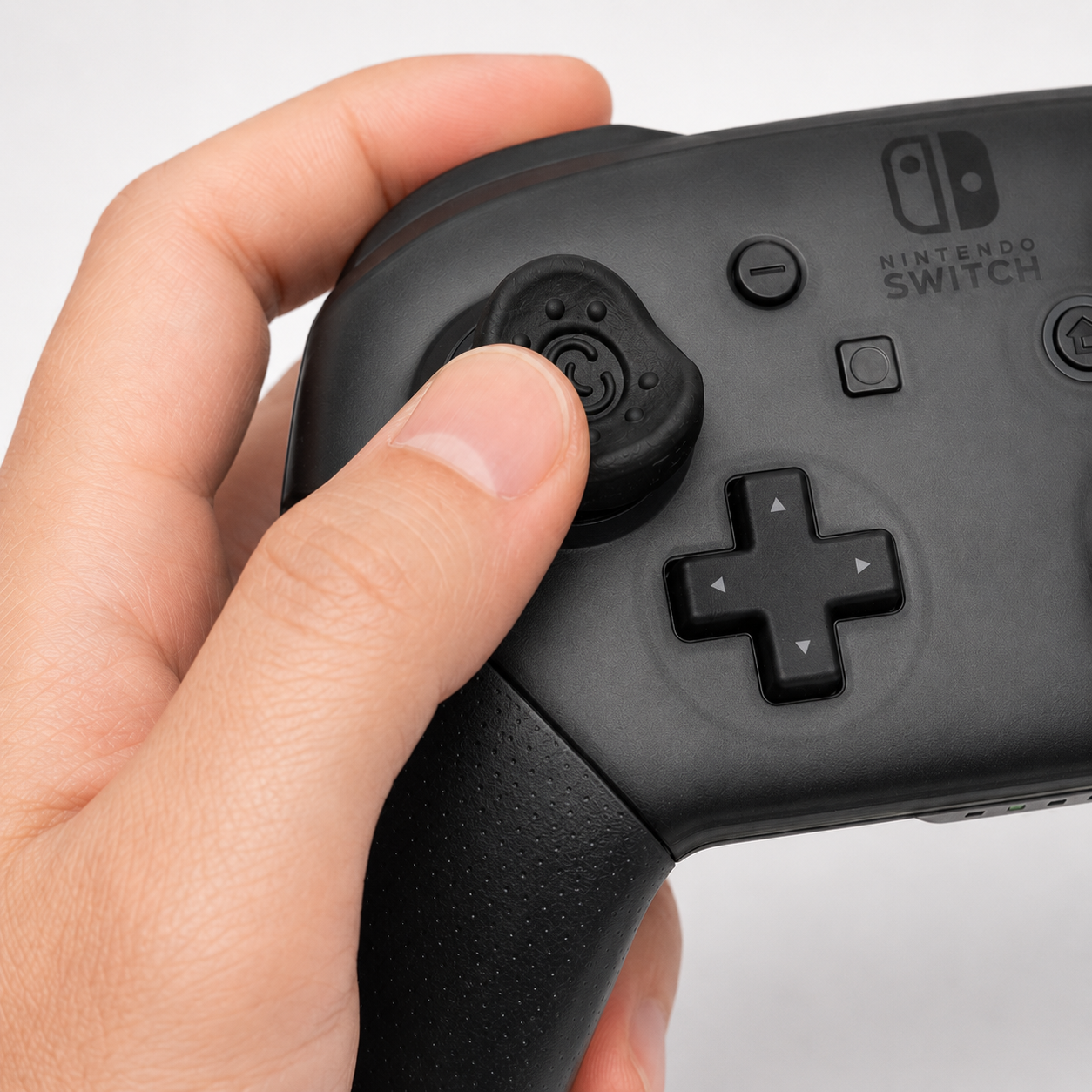
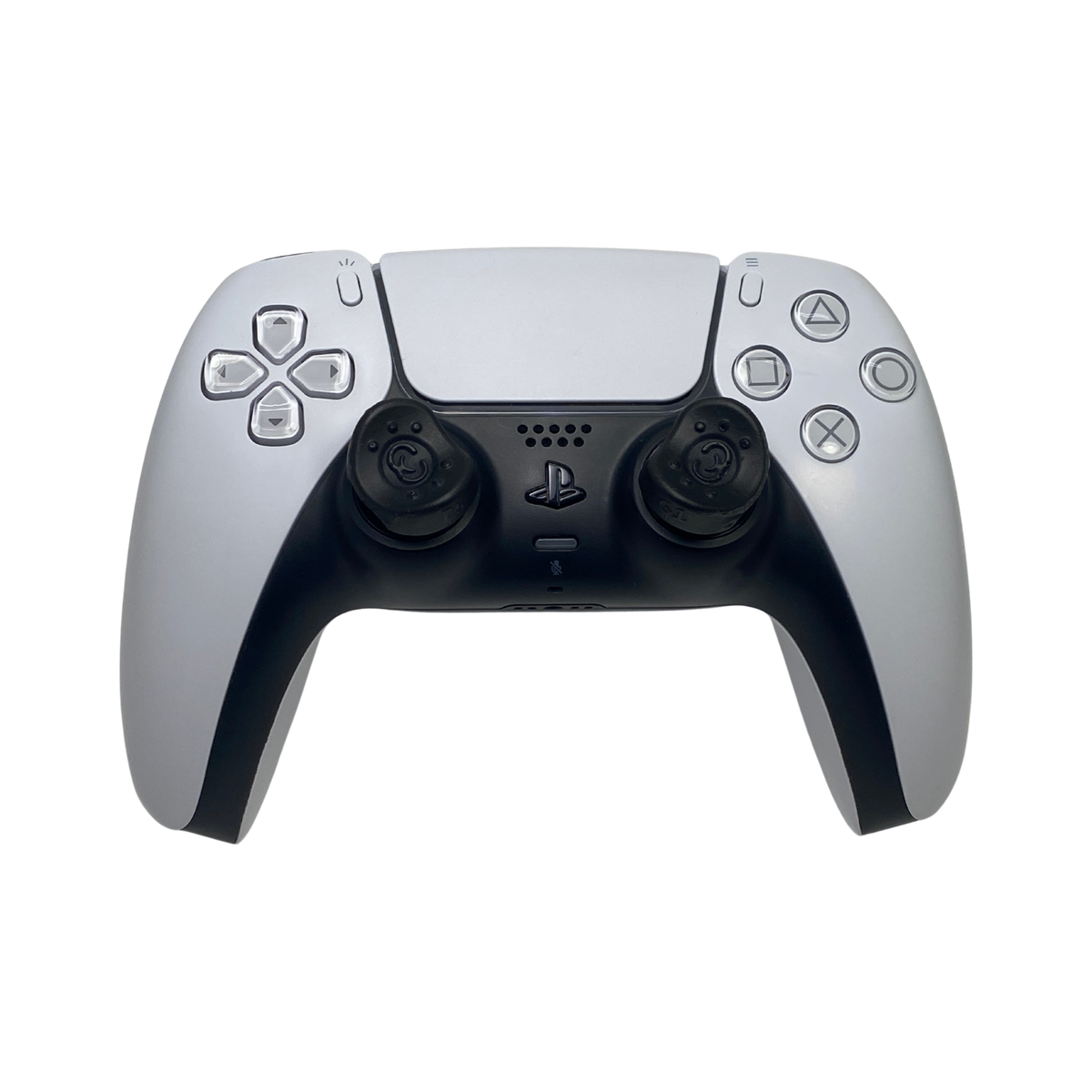
Groove Grips for the Nintendo Switch Pro Controller are designed to give your thumbs a more natural, comfortable place to rest while you play. Built for better feel, control, and longer gaming sessions, they install with a simple heat-assisted press-on fit.
More Comfort. More Control. More Fun.
Description
Groove Grips attach to gaming controller analog sticks providing maximum comfort and control.
Groove Grips do not come off while gaming.
Additional information
| Weight | 28 g |
|---|---|
| Dimensions | 5 × 7 × 1 in |
| Controller Compatibility | Controller: Nintendo Switch Pro Controller |
1 review for Groove Grips G1 Switch Pro & GameCube
Q & A
Groove Grips G1 Switch Pro & GameCube
A: These Groove Grips are designed for Nintendo Switch Pro controllers. Make sure you select the correct version for your controller before ordering.
A: Groove Grips are custom thumb grips designed to fit over your controller’s analog sticks. They are shaped to help your thumbs sit more naturally, giving you more comfort and control while you play.
A: Groove Grips are available for PlayStation 4/5, Xbox One, Xbox Series S/X, and Nintendo Switch Pro controllers. Make sure you select the correct version for your controller before ordering.
A: No. Groove Grips are designed to be installed by hand. You just need hot water to help soften the grips before putting them on the analog sticks. Once warmed, they become easier to press into place. No glue, tools, or permanent controller modification required. Just follow the directions provided with your Groove Grips or you can watch the installation video here. https://youtu.be/mUHiWmSNK5E
A: Groove Grips are designed to fit over the existing thumbsticks without permanently modifying your controller. As long as they are installed and removed using the steps provided by Groove Grips, they should not damage your controller. The key is the hot water.

Dirk Diggler –
I actually purchased 2 of them, one for my friend and one for myself. Arrived in adequate timing, placed them the moment they were warmed up as indicated to use them ASAP